Power BI
Turn Your Business Data into Real-Time Dashboards with Power BI
Connect Excel, SQL Server, CRM and 160+ sources to build interactive Power BI dashboards that turn raw data into clear, actionable insights.
Book a Demo & Discovery Call
What Is Power BI?
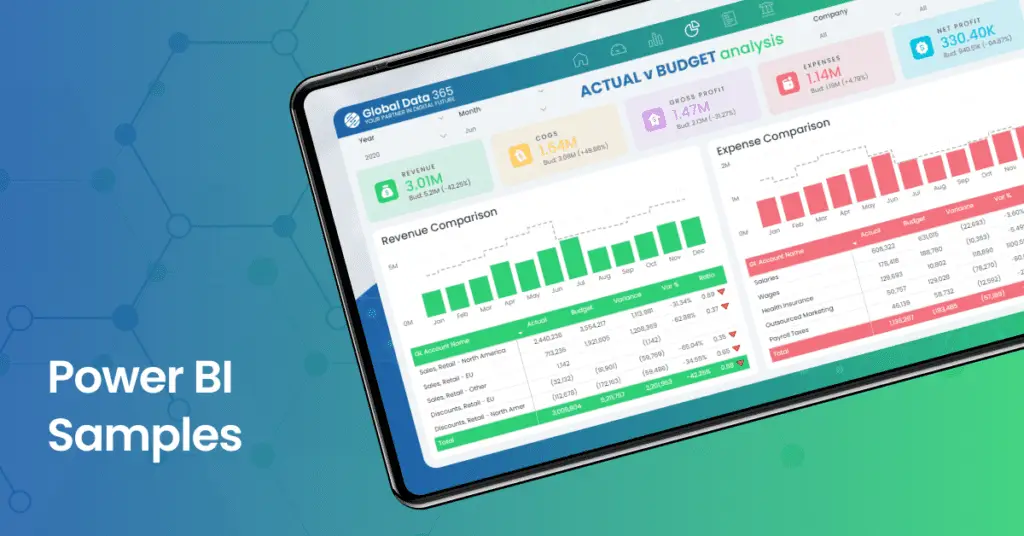
A collection of cloud-based business intelligence tools. It is designed to assist you in analyzing and visualizing data with captivating visualizations and interactive reports with power bi report builder. It consolidates all your crucial applications and databases onto a single dashboard, allowing you to effortlessly create, update, organize, and distribute powerful reports on any device. You can gain immediate actionable insights to provide you with a competitive edge.
What To Expect From Power BI?
Diverse Data Sources
Connect to 160+ on-premises and cloud data sources, including Excel, SQL Server, ERPs, Salesforce, and more. Power BI’s versatile connectors simplify extracting, transforming, and loading data for a unified view.
Raw Data To Meaningful Insights
With tools for data cleansing, merging, and transformation it enables users to convert raw data into valuable insights. It has advanced capabilities for standardizing data for analysis or data modeling for complex data models.
Exceptional Data Visualization
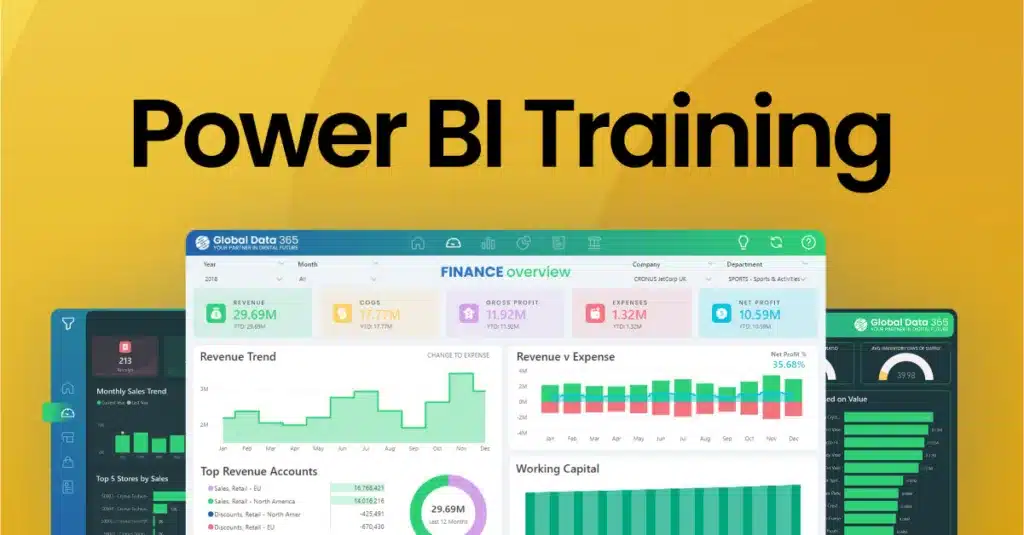
It provides a wide range of data visualizations like charts, tables, and maps which can be customized to create engaging visuals. Users can create dynamic and interactive dashboards for insightful reports.
Access Your Reports On-The-Go
Access, edit, and share reports on-the-go with Power BI’s cloud-based platform. Ideal for distributed workforces, it ensures real-time insights and decision making from any device with internet connectivity.
AI-Enhanced Data Analysis
Unlock insights with AI-powered analytics identify patterns, trends, and anomalies, use natural language queries, and benefit from predictive analytics for proactive decision-making and new opportunities.
Versatile Accessibility
Visualize your data with Power BI Desktop and Power BI for Mac. Unleash the power of versatility across platforms for better data experience. Empower your insights, anytime, anywhere.
More than 50+ companies trusted us to implement and transform their data into powerful insights with Power BI Software








Featured Integrations
Power BI Services
Our Power BI services brings together strategy, dashboard development, data modeling, training and support to help you turn your data into better decisions with our experts.
Free 1-hour Session
Uncover your Data: Get a Free Discovery Call
Not sure where to start with Power BI? Connect with us and we’ll look at how you’re currently handling your reports, spot opportunities to improve, and help you build a practical Power BI strategy that fits your business.
Free Discovery Call
Custom Data Roadmap

Your Business KPIs

Drive Results: Tailored Power BI Dashboard Design
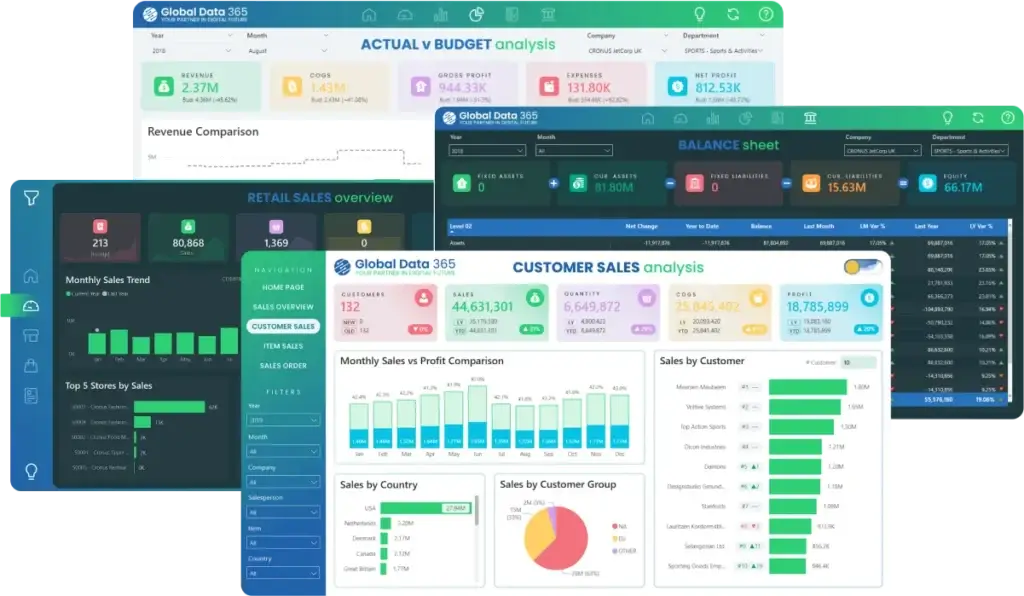
We design interactive Power BI dashboards around the metrics that actually matter to your team, from finance and sales to inventory and HR, so every report drives a decision, not just a view.
Personalized Report
Mobile Ready Dashboards

160+ Data Sources
Elevate Your Insights: Expert Data Modeling & Integration
We connect and structure your data from Excel, SQL Server, CRM, ERPs, and 160+ other sources into a clean, optimized model so your reports stay fast, accurate, updated and easy to maintain.
Unified Data Model
Multiple System Integration
25% Discount

Boost Your Skills: 25% Off Power BI Training & Certification
From beginner fundamentals to advanced DAX and data modeling, our Power BI training courses build real, job-ready skills for your team, with a 25% discount on all training programs.
1:1 Live Training
Expert-Led Training
Save 25 Percent

Elevate Your Operations: 25% Off Premium Power BI Support
Get ongoing help with your Power BI Pro licenses, Report Server, gateways, data uploads and dashboard maintenance, our team keeps your reporting environment running smoothly, at a 25% discount.
Remote Troubleshooting
Ongoing Technical Support
What Our Customers Has to Say About Us
It was a genuine pleasure working with Global Data 365. They consistently demonstrated patience, professionalism, and attentiveness to my requirements. Their expertise in Power BI is impressive; they quickly comprehends the concepts I aim to communicate and promptly provides effective solutions.

Rana Yaseen
Accounting Manager - Boston Scientific
We are incredibly impressed with the sales dashboard designed for us by Global Data 365. The dashboard has provided us with valuable real-time insights into our sales performance. We would highly recommend their services to anyone looking to take their sales analysis to the next level.

Ahmad Hammad, MBA
BI & ERP Specialist at SYH Retail - IKEA
Global Data 365 have attentive trainers, always ensuring that you comprehend everything and striving to offer clarity. I genuinely appreciate their dedication in going the extra mile by addressing questions that weren’t necessarily directly related to the subjects we discussed – but which were of interest for me.

Raoul-Thomas Campian
Founder - Cercetium Solutions
Our finance dashboard from Global Data 365 has revolutionized the way we manage our finances, providing real-time insights that enable us to make informed decisions and drive business growth. The team was responsive and attentive throughout the design process, and we highly recommend their services.

Cesco Righetti
CFO - The Arts Club
Working with Global Data 365 has been a fantastic experience. Their Power BI reports have completely transformed how we analyze and use our data. The insights are clear, actionable, and have made decision-making so much easier for our team.

Tres Nelson
Manager BI - Signature Systems
Thanks to Global Data 365 for their outstanding Power BI service. We are grateful for the opportunity to work with Global Data 365’s team of talented and committed individuals

Mohammad Arshad
Financial Control & Reporting Assistant Manager - PepsiCo
Global Data 365 delivered an exceptional inventory dashboard for Baker Hughes. The Power BI solution provided real-time insights, streamlined inventory management, and improved decision-making across our operations.

Alan Siqueira
Inventory Manager - Baker Hughes
I am pleased to recommend Power BI course based on my positive experience attending it. The course content was well-structured, and the explanations were clear and easy to follow. The trainer demonstrated deep knowledge of the subject matter, offering insights and practical examples that enhanced my understanding.

Tamari Rekhviashvili
Financial Analyst CF/FPA - Eurocontrol
The supply chain dashboard has revolutionized the way we manage our operations, providing real-time insights that enable us to optimize for maximum efficiency. They were highly professional and responsive throughout the process, and we highly recommend their services.

Mahmoud Mohsen
IT Administrator - Alif
Get expert help to build your dashboard
Our Data Analysts work with hundreds of companies across all industries including retail, manufacturing, technology, healthcare, marketing services, and more.
Frequently Answered Questions(FAQs)
A robust data analytics platform developed by Microsoft, a part of Power Platform designed to empower organizations with tools for data visualization, business intelligence, and informed decision-making.
It is used to transform raw data into meaningful insights. It enables users to connect to various data sources, create interactive reports and dashboards, and collaborate on data-driven decisions.
It offers features such as diverse data connectivity, interactive data visualizations, AI-powered analytics, and seamless collaboration. Its capabilities include data modeling, reporting, and sharing insights across an organization.
It offers various pricing plans, including a free version with limited features and premium plans catering to different organizational needs. The cost depends on the chosen plan and deployment options. Contact our sales team for further assistance.
You can download Power BI Desktop from Microsoft Store or from official Microsoft website. The download is free and it provides a powerful tool for creating and analyzing reports. For further guide: Guide to download Power BI Desktop.
Power BI and Tableau are both business intelligence platforms used to connect data, create interactive dashboards, and generate insights. The key difference is that PBI integrates closely with the Microsoft ecosystem, including Excel, Microsoft 365, Azure, and Dynamics 365, while Tableau is particularly known for its advanced data visualization and visual analytics capabilities. The right choice depends on your existing technology, reporting needs, data sources, and budget.
Empower your team with our specialized and comprehensive training program the covers a range of topics in different training formats, guiding participants through the process of creating reports, constructing dynamic dashboards, and effectively analyzing data with certification.
Yes, users can access and interact with reports and dashboards on various mobile platforms, including iOS and Android. The Power BI app allows for seamless viewing, exploration, and collaboration on reports, ensuring that insights are accessible anytime, anywhere.
The Power BI Report Server is an on-premises solution that allows organizations to host and manage PBI reports locally. It provides a secure and scalable environment for deploying PBI reports within an organization's firewall. It enables users to view and interact with reports while maintaining control over data security and compliance.
Once you publish your dashboard to the Power BI service, you can share it with specific users, distribute it within your organization, or make it public on the web, providing versatile sharing options for collaboration and data dissemination.
It can connect to a diverse range of data sources, including databases (SQL Server, MySQL, Oracle, SQL Server Analysis Services), cloud-based sources (Azure SQL Database, Azure Analysis Services), files (Excel, CSV, JSON, XML, Google Sheets, PDF), online services (Dynamics 365, Dynamics NAV, Dynamics 365 Business Central, Google Analytics, Salesforce), and many more.
Data Analysis Expressions (DAX) is a programming language that is used throughout for creating calculated columns, measures, and custom tables.
Related Resources