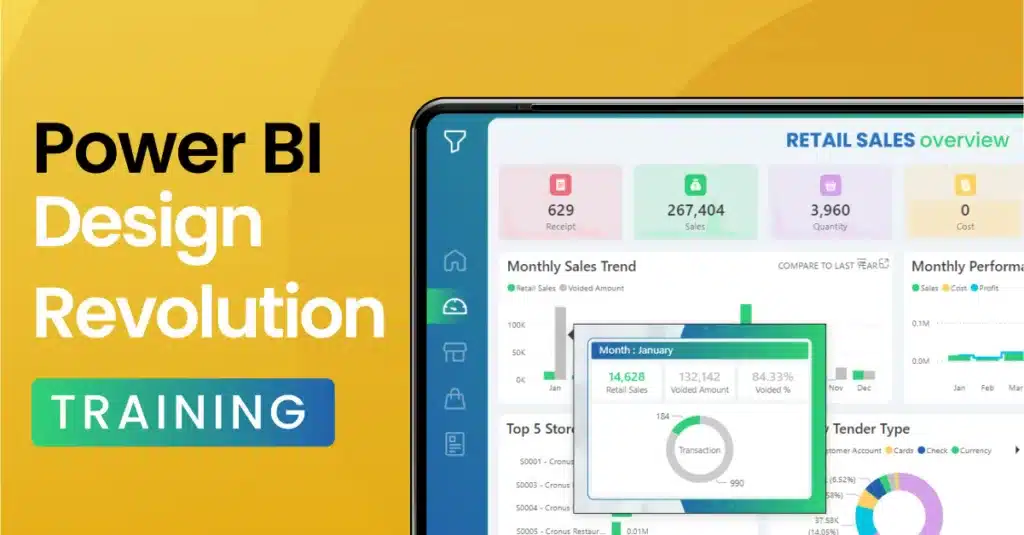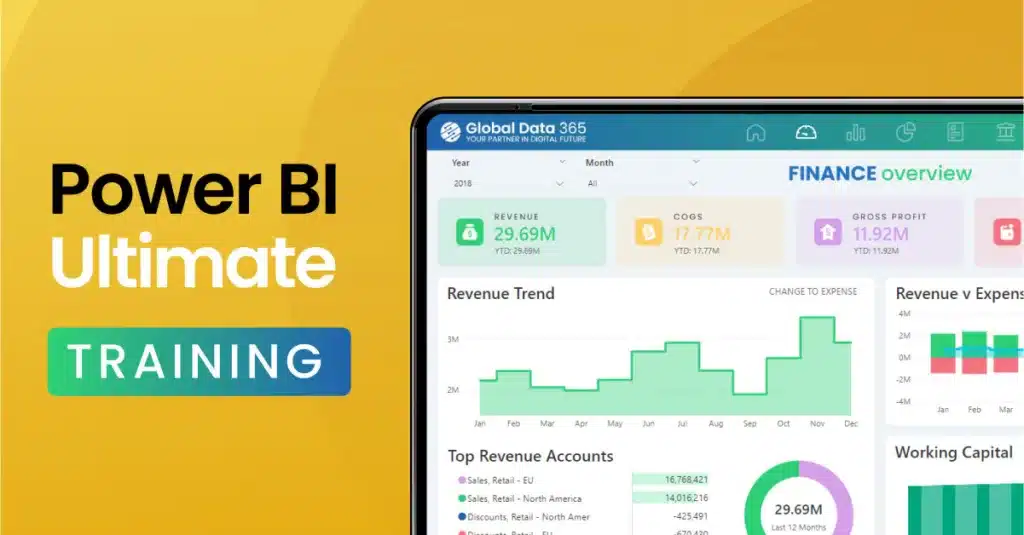
Power BI Training for Beginners
- Start from zero, no data or coding background needed, we teach Power BI training for beginners the way absolute beginners actually learn.
- Work hands-on with your own data from session one, not generic sample files.
- Finish with the skills to build your first real dashboard and know exactly what to learn next.

Register Now To Get 25% Discount On All Training Programs
Power BI Beginner Training Course Curriculum
Explore the foundational concepts of Power BI through our beginner training course curriculum. Nine hours, three live sessions, zero prior experience required. Here’s exactly what you’ll cover and what you’ll be able to do by the end of each stage and gain essential skills in data visualization, analysis, and reporting.
Overview
- 9 Hours
- 3-hours session
- English
Training Resources
- User Guide
- Training Videos
Who’s it for?
Our Power BI Beginner Training is perfect for professionals looking to start their journey in data analytics. Whether you’re new to data analysis like business analyst, data manager, or a decision-maker, seeking to enhance your skills, this course is tailored for those with little to no experience in Power BI. Ideal for anyone wanting to transform raw data into actionable insights, streamline reporting processes and enhance data-driven decision-making within their organization. Already comfortable with the basics and ready to go deeper into DAX, data modeling and governance? Power BI Ultimate Training is your next step.
Course Outlines
- Introduction to Power BI
- Power BI Cloud Service
- Power BI Desktop
- Data Transformation
- Data Modeling
- Data Visualization
- Report Building
- Report Functionality
- Report Publishing
Enroll in Power BI Beginner Training
Customer Success Stories
Over 100+ companies of all sizes depend on us to deliver successful BI projects.
Global Data 365 have attentive trainers, always ensuring that you comprehend everything and striving to offer clarity. I genuinely appreciate their dedication in going the extra mile by addressing questions that weren’t necessarily directly related to the subjects we discussed – but which were of interest for me. I highly recommend selecting Global Data 365 as your Power BI trainer.

Raoul-Thomas Campian
Founder - Cercetium Solutions
I am pleased to recommend Power BI Transformative course based on my positive experience attending it. The course content was well-structured, and the explanations were clear and easy to follow. Global Data 365 demonstrated deep knowledge of the subject matter, offering valuable insights and practical examples that greatly enhanced my understanding.

Tamari Rekhviashvili
Financial Analyst CF/FPA - Eurocontrol
I had the pleasure of being trained on Power BI by Global Data 365, and I can confidently say that there guidance played a pivotal role in accelerating my learning curve. They are not only exceptionally knowledgeable in Power BI and data analytics but also incredibly patient and approachable. I’m grateful for their support and highly recommend them to anyone looking to learn Power BI.

Saurabh Verma
Program manager - BrainSTREAM
I had the privilege of attending Global Data 365’s Power BI training, and I highly recommend their expertise. The interactive teaching style is engaging & they have an in-depth understanding of Power BI and dashboards. I gained valuable insights and practical skills from this training. If you’re looking for a knowledgeable Power BI instructor, Global Data 365 is an excellent choice.

Taimur Hasan
Global Operations Analyst - Metso
I highly recommend Power BI Trainer from Global Data 365 for Power BI training. Their deep knowledge, clear explanations, and strong understanding of the underlying concepts made the sessions both engaging and highly practical. Thank you Power BI Trainer and wishing you all the best!

Upendra Nath
Lead Commercial Specialist - CDC
Why Power BI Beginner Training?
Start With Confidence
No prior experience needed. We build from the ground up, at a pace that actually makes sense for a true beginner.
Hands-On From Day One
Work with your own data from the first session, not generic sample files that don't relate to what you'll actually use Power BI for.
A Foundation That Scales
Everything you learn here carries directly into more advanced training later nothing you learn is a dead end.
Is Power BI hard to learn?
No, not if you are taught the basics properly. Most tutorials jump straight into DAX formulas and complex data models. You will not need any of that on day one. This course is built specifically for that starting point where you will build your first real dashboard by the end of session one, not week three.
- No coding required at any point
- No data background needed
- First real dashboard by end of session one
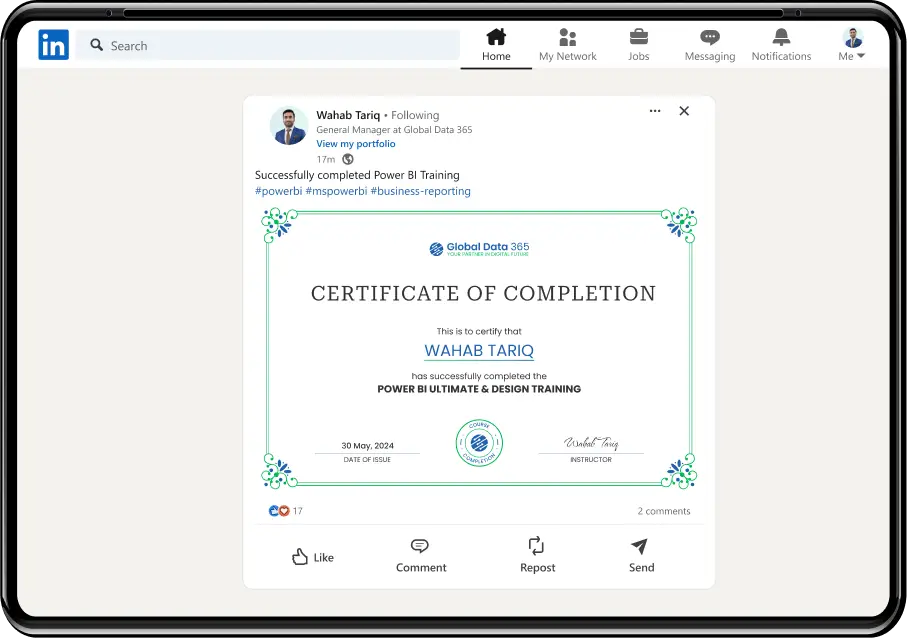
Share your certificate & get noticed
- Showcase your skills
- Stand out to recruiters
- Gain a competitive edge
- Land your dream job
FAQs on Power BI Beginner Training
Our training program for Microsoft Power BI will enhance your ability to create data-driven insights and interactive visualizations, significantly improving your career prospects and business decision-making. You'll develop essential skills in data analysis, management, and visualization, making you valuable in data-focused roles and driving your business's success.
Yes, our course is designed for beginners and covers all fundamental concepts from scratch. You'll gain practical skills through hands-on exercises and real-world examples.
This course is available as part of our public group sessions ($99 per seat, 3-day format) or private 1:1 / team training from $80–100 per hour depending on group size. You can contact sales@globaldata365.com for a tailored quote.
Excel is still better for flexible, one-off spreadsheet work. Power BI takes over once you need to combine multiple data sources, automate updates, or share live dashboards with a team. Most people use both this course teaches you when to reach for each.
No. This course assumes zero prior experience if you're comfortable using Excel or Google Sheets, you already have what you need. You'll build your first real dashboard in the first session.
You'll learn about transforming and modeling data, writing DAX calculations, visualizing data, and designing report layouts.
Beginner Training gets you from zero to building your first working dashboard. Ultimate Training is the next step deeper into DAX, data modeling and governance for those already comfortable with the basics.
Related Resources