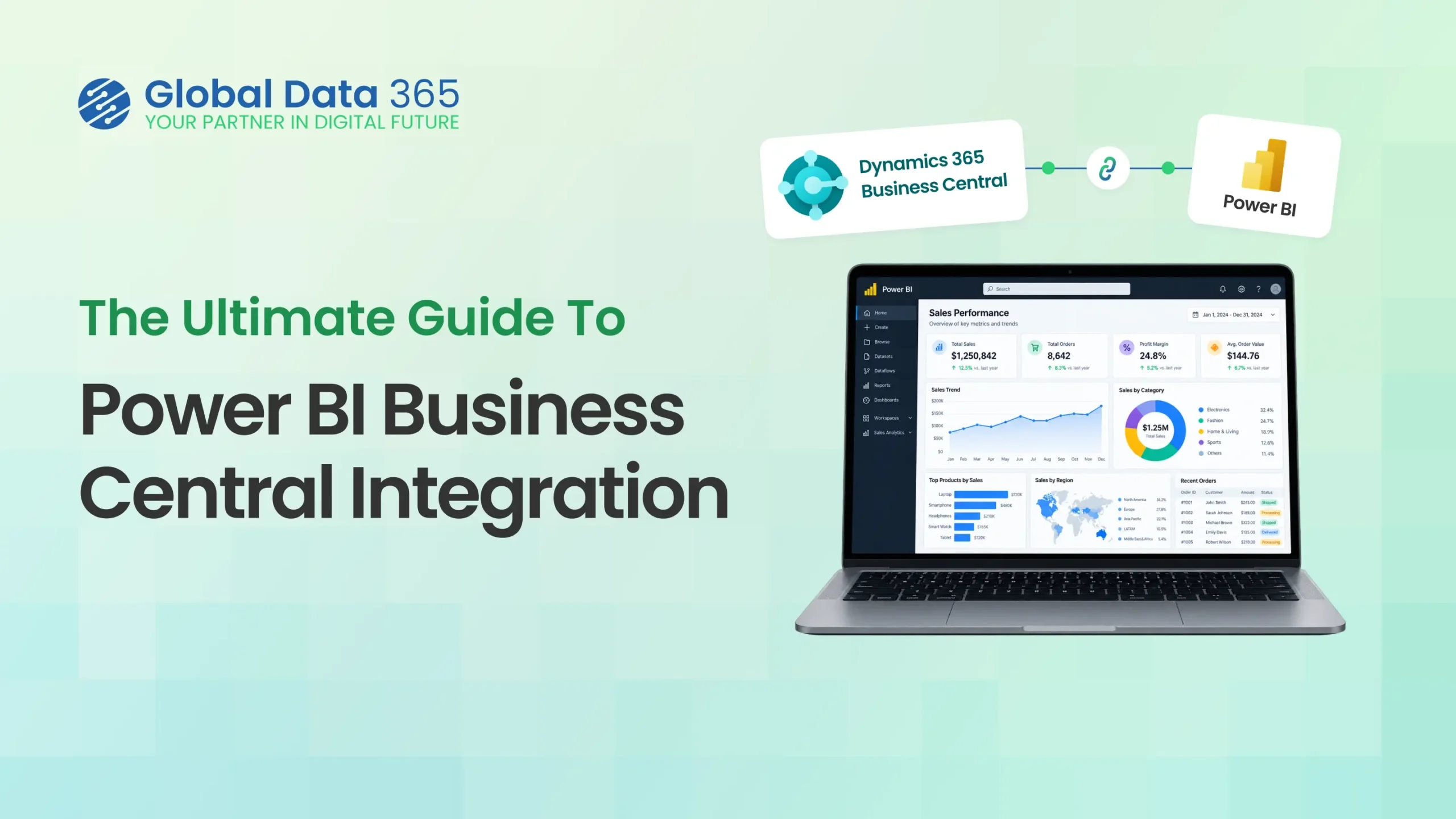
The Ultimate Guide to Power BI Business Central Integration 2026: Methods and Best Practices
- Ayesha Binte Habib
Are you looking to take your Dynamics 365 Business Central reporting to the next level with Power BI? You’re in the right place. As a leading Business Central Power BI consultant, we have helped countless organizations successfully integrate these two powerful Microsoft solutions. In this comprehensive guide, we will cover everything you need to know about Power BI Business Central integration, including:
- Benefits of connecting Power BI to Business Central
- Different methods for Power BI Business Central connection
- Best practices for Power BI reporting for Business Central
- Real-world examples of Business Central Power BI solutions
Whether you are new to Power BI or a seasoned pro, this guide will provide actionable insights to help you drive more value from your Business Central data.
Why Integrate Power BI and Business Central?
Dynamics 365 Business Central is a powerful all-in-one business management solution. It’s great for managing your financials, sales, service, and operations. But when it comes to reporting and analytics, business central’s built-in capabilities can be limiting.
That’s where Power BI comes in, by connecting Power BI to business central, you can:
- Visualize your Business Central data in interactive dashboards
- Drill down into details and slice data by multiple dimensions
- Combine Business Central data with data from other sources for holistic insights
- Enable self-service BI for business users
In short, Power BI Business Central integration allows you to get more insights from your data, faster.
Methods for Power BI Business Central Connection
There are several ways to connect Power BI to Business Central, each with its own pros and cons. The main methods are:
- OData Web Services:
Business Central exposes its data through OData web services, which Power BI can connect to directly. This is the simplest method, but can be slow for large datasets and doesn’t support advanced features like incremental refresh. - Business Central API:
You can use the Business Central API to push data to Azure SQL Database or Azure Data Lake Storage, then connect Power BI to those sources . This provides better performance and flexibility, but requires more setup. - Dataflows:
Power BI Dataflows can ingest data from Business Central’s OData services, then transform and load it into Azure Data Lake Storage. This enables advanced data prep and integration scenarios.
The right choice depends on your data volume, refresh requirements, and analytical complexity. Our expert Business Central Power BI consultants can help you design the optimal architecture.
The right architecture depends on your specific environment. A Power BI Business Central consultant can assess your requirements and recommend the appropriate connection and reporting approach.
Best Practices for Power BI Reporting for Business Central
To get the most value from your Power BI Business Central reporting , follow these best practices:
- Start with key business questions:
What insights do decision makers need from Business Central data? Let that guide your report design . - Leverage Business Central dimensions:
Business Central’s dimensional data model is a great fit for Power BI. Use dimensions like item, customer, and location to enable drill-down and slicing. - Optimize your data model:
Structure your Power BI data model for performance and usability . Use star schemas, avoid calculated columns, and leverage aggregations. - Use incremental refresh:
For large Business Central datasets, use Power BI’s incremental refresh feature to speed up data refresh and reduce load on Business Central . - Implement row-level security:
Use Power BI’s row-level security (RLS) feature to ensure users only see the Business Central data they’re authorized for .
Get Started with Power BI Business Central Integration Today
Integrating Power BI with Dynamics 365 Business Central opens up a world of possibilities for reporting and analytics. But it can also be complex, with many considerations around data architecture, modeling, and governance.
That’s where we come in. As a leading Business Central Power BI consultant, we’ve helped organizations of all sizes successfully implement and derive value from Power BI. Our Business Central Power BI services include:
- Architecture design and data modeling
- Report and dashboard development
- Training and adoption support
- Ongoing maintenance and optimization
Whether you’re just starting to explore Power BI or looking to scale your existing deployment, we can help.
Get Power BI Consultant Onboard with you!
Search Blog
Related Resources
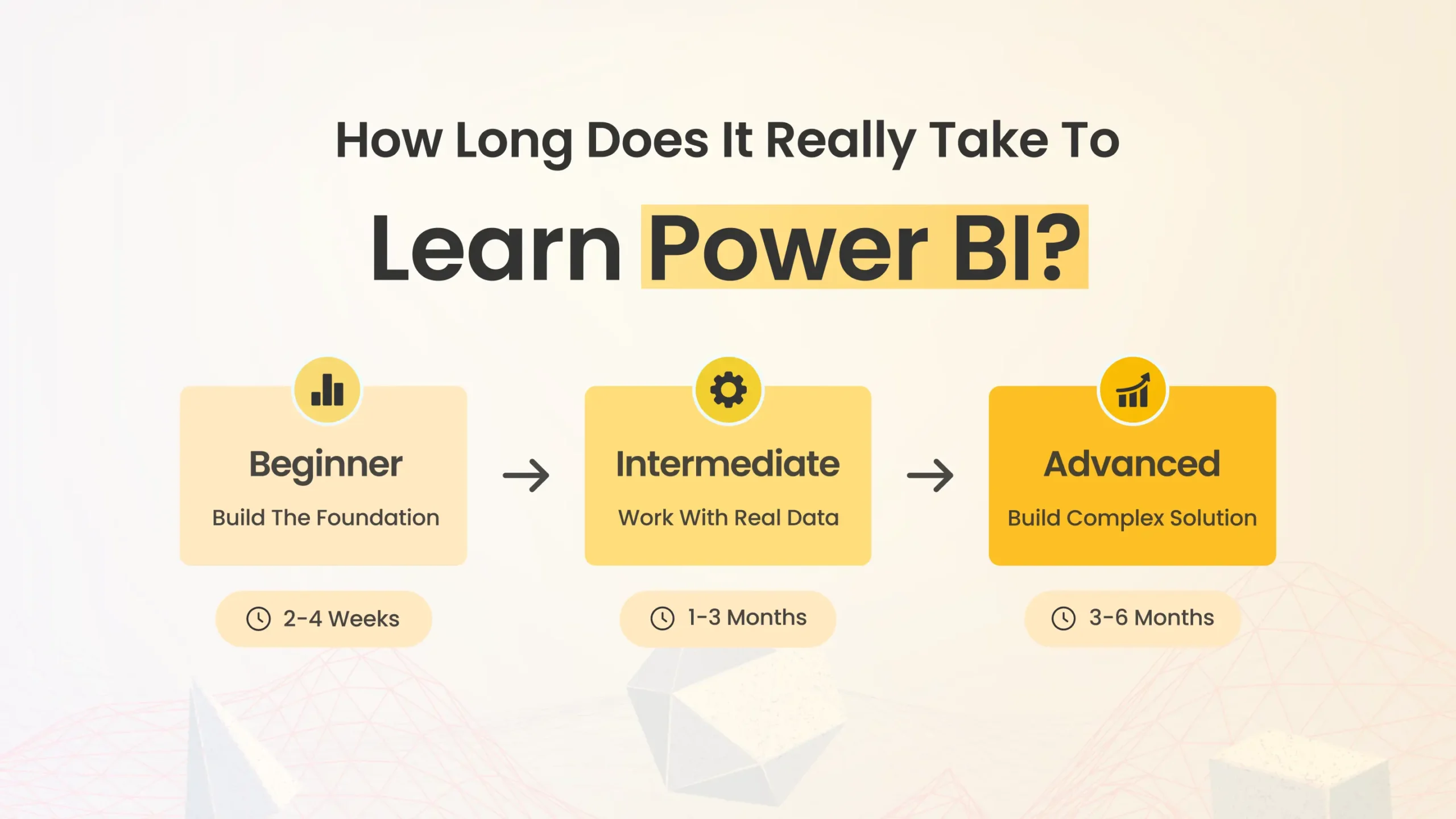
How long to learn Power BI?

Power BI Training vs Consultant
Power BI Training for Dynamics 365
Business Central reporting solution UAE